
DARTCONNECT
Salopian Superleague • Scoring and match instructions
Quick access
OPEN SCORING APP MY DARTCONNECT / LINE-UPS
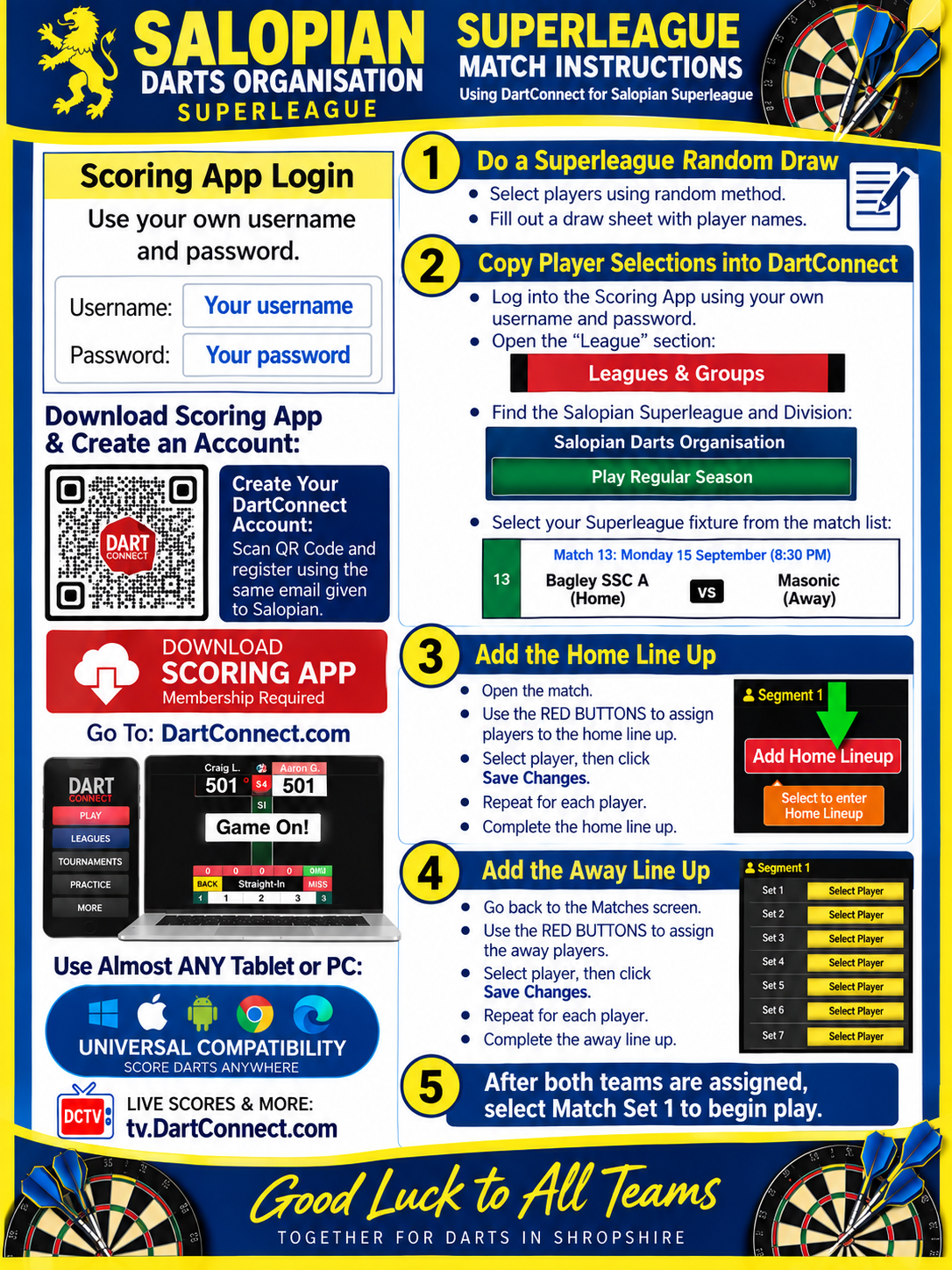
Use your own DartConnect username and password. New users should register using the same email address supplied to Salopian.
Superleague match instructions
- Random draw: Select players using the agreed random method and complete a draw sheet.
- Open the fixture: Sign in to the scoring app, open Leagues & Groups, find Salopian Darts Organisation and the appropriate Superleague division, select Play Regular Season, then select your fixture.
- Home line-up: Open the match, use Add Home Lineup, select a player and Save Changes. Repeat until the home line-up is complete.
- Away line-up: Return to Matches, use the red buttons to assign away players, select each player and Save Changes. Complete the away line-up.
- Start: Once both teams are assigned, select Match Set 1 to begin play.
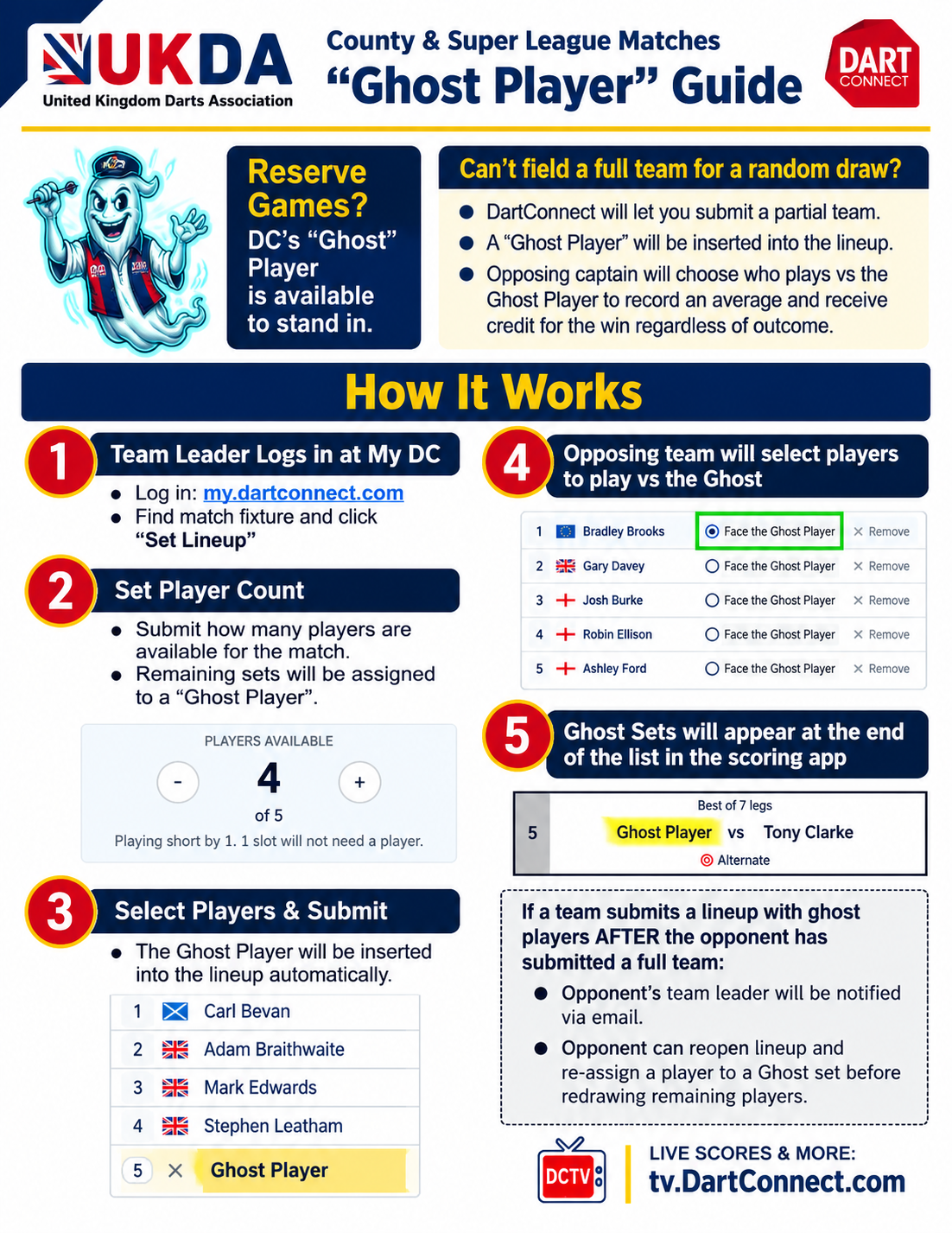
How to activate a Ghost Player
UKDA County & Super League matches: When a team cannot field a full team for a random draw, DartConnect allows a partial line-up and automatically fills remaining slots with a Ghost Player. The opposing captain chooses who plays those Ghost sets; that player records an average and receives credit for the win regardless of outcome, according to the supplied UKDA guide.
- Team leader signs in at my.dartconnect.com, finds the match fixture and selects Set Lineup.
- Set the number of players available. Remaining sets are assigned to a Ghost Player.
- Select the available players and submit. DartConnect inserts the Ghost Player automatically.
- The opposing team selects players to face the Ghost Player.
- Ghost sets appear at the end of the list in the scoring app.
Late ghost line-up: If a ghost line-up is submitted after the opponents have submitted a full team, the opposing team leader is notified by email and can reopen the line-up to reassign a player to a Ghost set before redrawing remaining players.
Follow live scores: DartConnect TV
Tap either poster to view it full size.